




FAQs
-

-
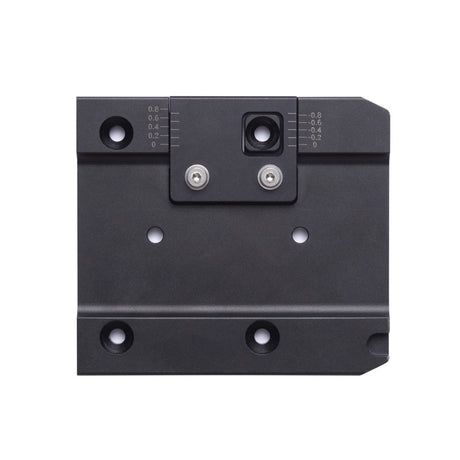
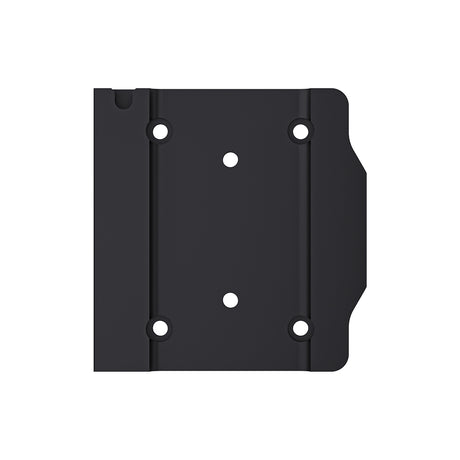
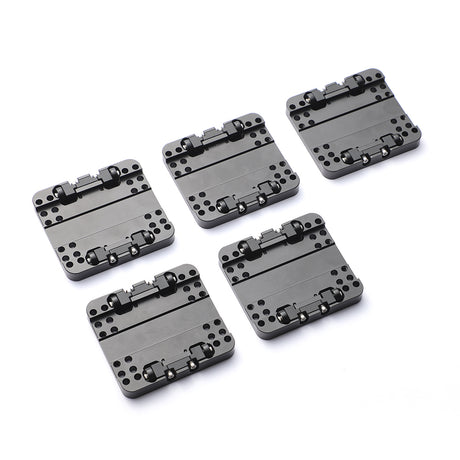
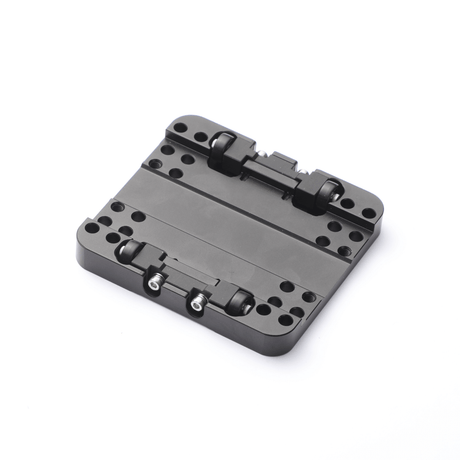
Snapmaker 2.0 Quick Swap Toolhead Plate
$12.99$14.99Only 2 left in stock -
Bracing Kit for Snapmaker 2.0 Linear Modules
$84.00$99.00Only 2 left in stock -
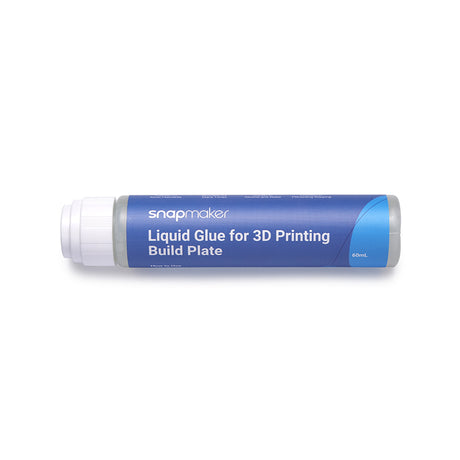
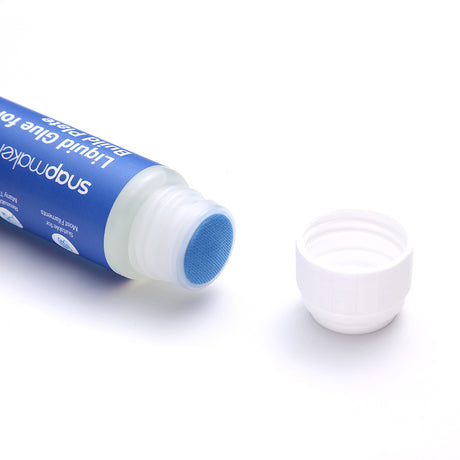
Liquid Glue for 3D Printing Build Plate
$12.99$14.99 -
XY-Axis Timing Belts 3.5m for Snapmaker U1
From$10.99Only 1 left in stock -
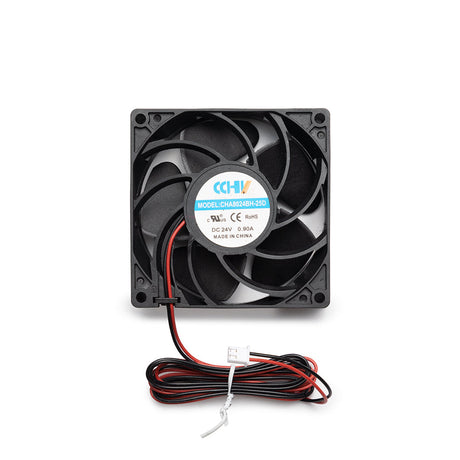
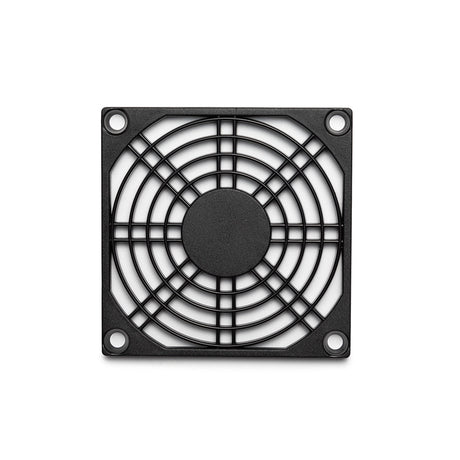
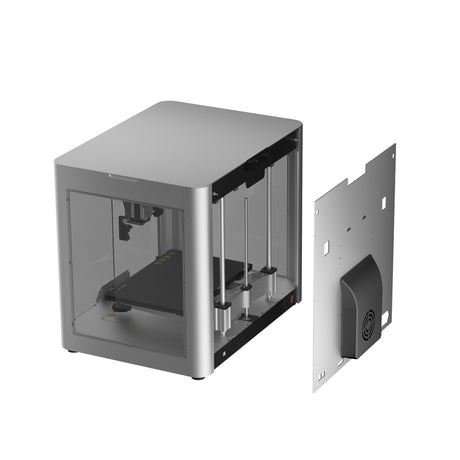
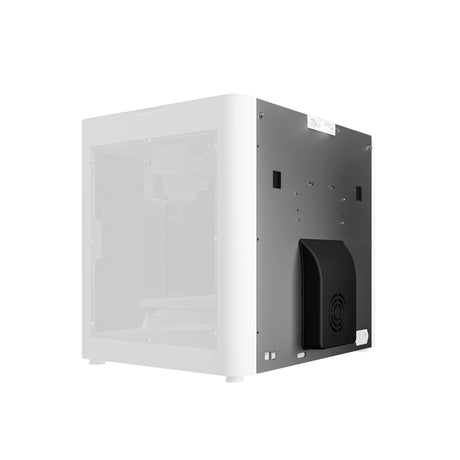
Boosted Exhaust Fan for Snapmaker 2.0
From$12.99$14.99 -
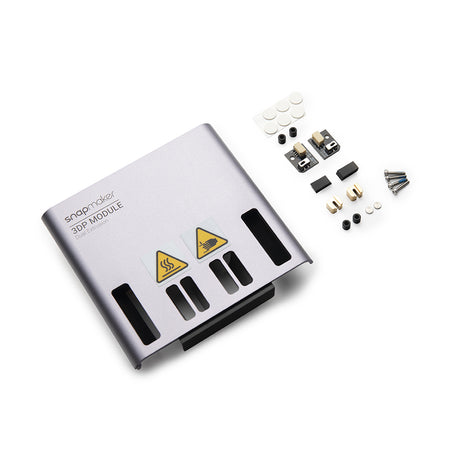
Replacement Kit for Dual Extrusion Module
$34.00$39.00Only 5 left in stock -
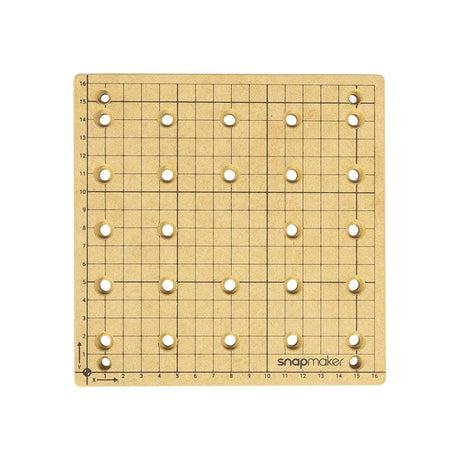
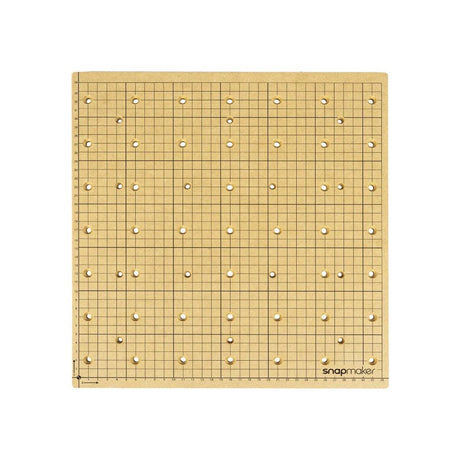
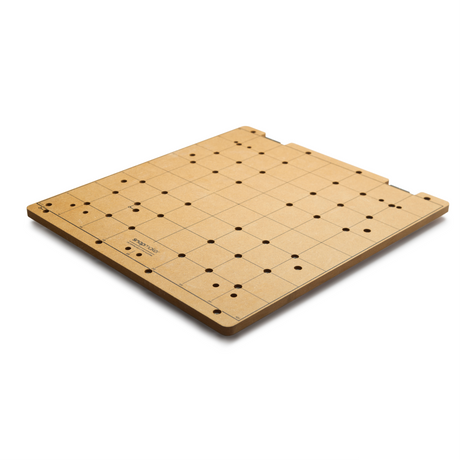
CNC Platform (MDF Wasteboard) for Snapmaker 2.0
From$17.99$19.99 -
Extension Cord for Rotary Module (1.5m)
$6.99$7.99 -
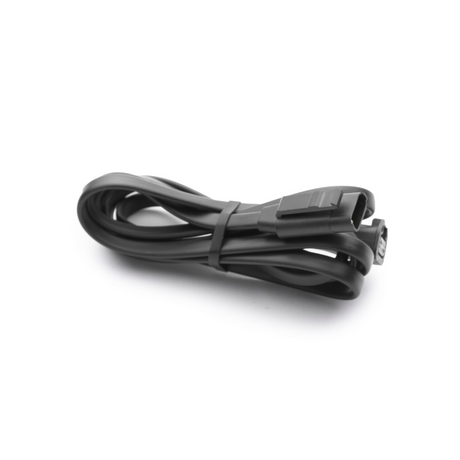
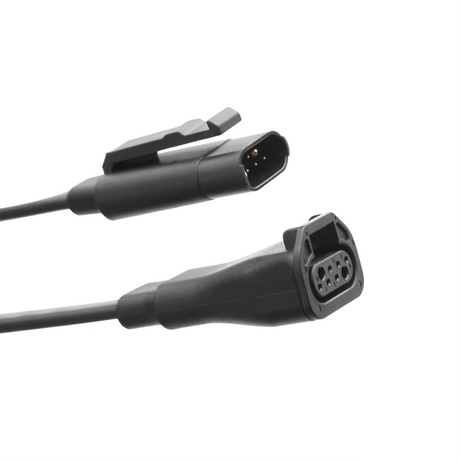
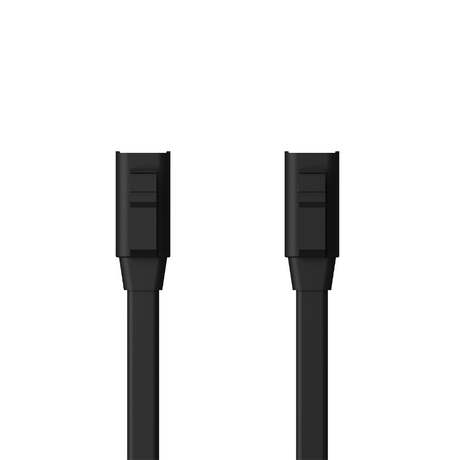
Toolhead Cable for Snapmaker 2.0
From$5.59$5.99 -
Snapmaker J1 Print Cooling Fan Upgrade Kit
$59.00Out of stock -
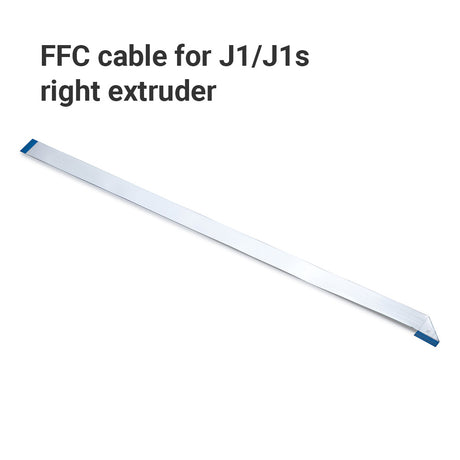
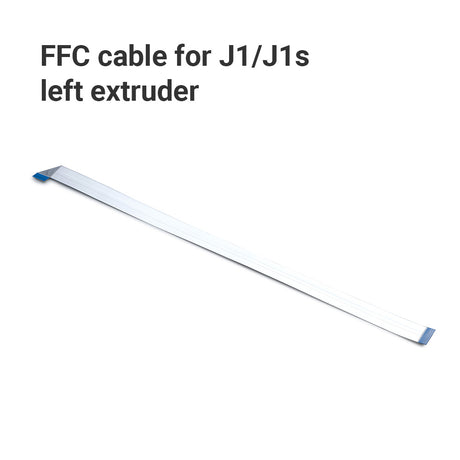
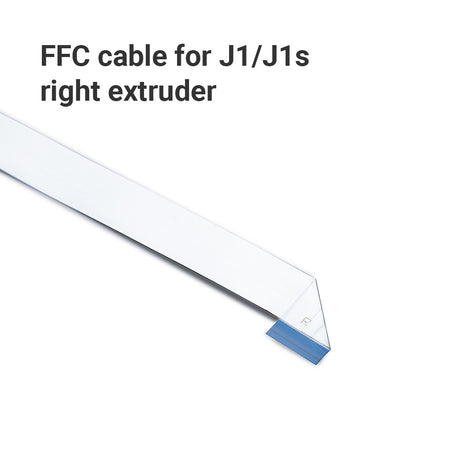
FFC cable for Snapmaker J1/J1s
From$4.00 -
$44.00
$49.00 -
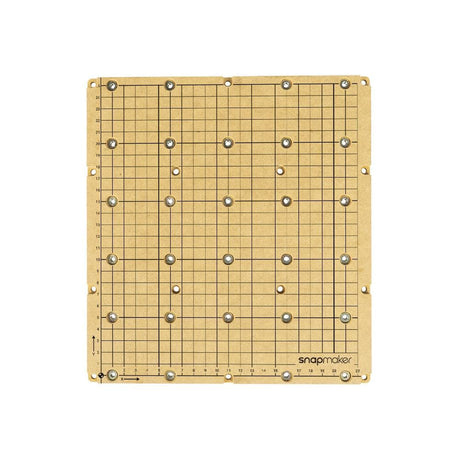
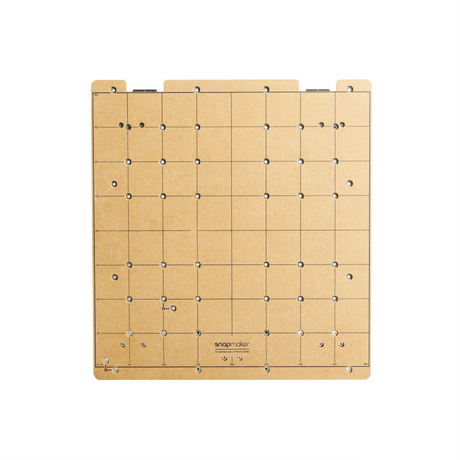
CNC Carving Platform for Snapmaker Artisan
$22.99$24.99 -

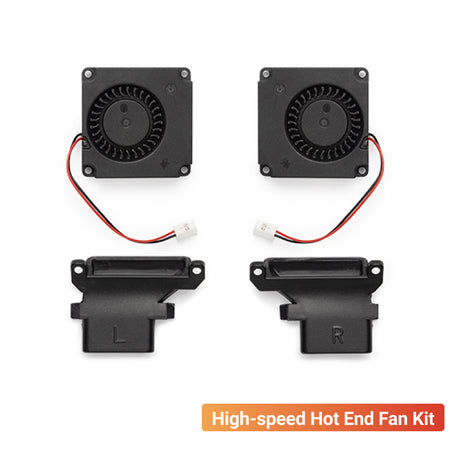
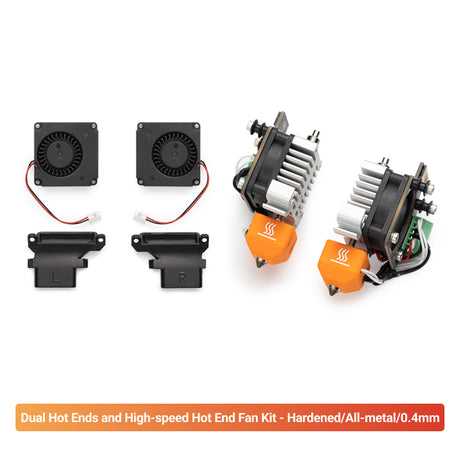
High-speed Hot End Fan Kit for Snapmaker J1/J1s
From$12.99$14.99Only 5 left in stock
1. After installing the Bracing Kit, can I use the 200W CNC Module on Snapmaker 2.0 directly?
Yes, the 200W CNC Module can be used directly on Snapmaker 2.0 after installing the Bracing Kit. However, you need to use the Power-boosted Toolhead Cable and upgrade the firmware to Version v1.19.0 and above before using it.
2. Can I use Snapmaker Liquid Glue on all types of 3D printer heated beds?
Yes, Snapmaker Liquid Glue is versatile and can be used on various heated bed surfaces, including textured, glass, and flexible types. It enhances adhesion between the model and the heated bed, reducing printing errors and deformation. Additionally, it's compatible with a variety of 3D printing filament types such as PLA, PETG, PET, ABS, HIPS, ASA, and TPU.
3. What is the maximum airflow of Snapmaker Boosted Exhaust Fan?
Snapmaker Boosted Exhaust Fan has a maximum airflow of 95 CFM. (Note: The included Exhaust Fan in the package of Enclosure for Snapmaker Artisan has a maximum airflow of 36CFM, which is sufficient for the use of the 10W Laser Module. If you desire better fume extraction, you can upgrade it.)
4. What is the compatibility of Snapmaker Dual-sided PEI Steel Plate with Soft Magnetic Sticker Kit?
The Dual-sided PEI Steel Plate with Soft Magnetic Sticker Kit is currently compatible only with Snapmaker Artisan 3-in-1 3D printer.
5. Do I need to manually apply the Soft Magnetic Sticker when the product arrives?
Snapmaker Artisan will have the Soft Magnetic Sticker attached upon shipping, so you do not need to apply it manually. However, if you purchase the PEI Steel Sheet separately, you will need to apply the Soft Magnetic Sticker yourself. Please refer to the installation guide for detailed instructions.
6. When should I replace the FFC cable of the print head on J1/J1s IDEX 3D printer?
Snapmaker FFC cable is for the connection between the extruder and PCB. You should replace the FFC cable in the following situations:
1. If the print head FFC cable shows visible damage, such as severe folding marks or tears.
2. When experiencing abnormal extruder temperature control issues that are confirmed to be caused by the FFC cable.
7. What are Snapmaker's official purchasing channels?
The Global Store provides a direct official purchasing option for customers who are not using one of Snapmaker's dedicated regional stores. Purchases made through official stores and authorized partners help ensure genuine products, applicable warranty coverage, and official after-sales support.
Official Global Store:
https://shop.snapmaker.com/
Dedicated stores are available for the following markets:
• United States Store: https://us.snapmaker.com/
• Germany Store: https://eu.snapmaker.com/de
• Europe Store: https://eu.snapmaker.com/
Our Where to Buy page lists additional official purchasing options, including Amazon and authorized Snapmaker resellers.
Please use the complete website addresses above and consult our Authorized Reseller Network when selecting an official Snapmaker purchasing channel.
FAQs
1. After installing the Bracing Kit, can I use the 200W CNC Module on Snapmaker 2.0 directly?
Yes, the 200W CNC Module can be used directly on Snapmaker 2.0 after installing the Bracing Kit. However, you need to use the Power-boosted Toolhead Cable and upgrade the firmware to Version v1.19.0 and above before using it.
2. Can I use Snapmaker Liquid Glue on all types of 3D printer heated beds?
Yes, Snapmaker Liquid Glue is versatile and can be used on various heated bed surfaces, including textured, glass, and flexible types. It enhances adhesion between the model and the heated bed, reducing printing errors and deformation. Additionally, it's compatible with a variety of 3D printing filament types such as PLA, PETG, PET, ABS, HIPS, ASA, and TPU.
3. What is the maximum airflow of Snapmaker Boosted Exhaust Fan?
Snapmaker Boosted Exhaust Fan has a maximum airflow of 95 CFM. (Note: The included Exhaust Fan in the package of Enclosure for Snapmaker Artisan has a maximum airflow of 36CFM, which is sufficient for the use of the 10W Laser Module. If you desire better fume extraction, you can upgrade it.)
4. What is the compatibility of Snapmaker Dual-sided PEI Steel Plate with Soft Magnetic Sticker Kit?
The Dual-sided PEI Steel Plate with Soft Magnetic Sticker Kit is currently compatible only with Snapmaker Artisan 3-in-1 3D printer.
5. Do I need to manually apply the Soft Magnetic Sticker when the product arrives?
Snapmaker Artisan will have the Soft Magnetic Sticker attached upon shipping, so you do not need to apply it manually. However, if you purchase the PEI Steel Sheet separately, you will need to apply the Soft Magnetic Sticker yourself. Please refer to the installation guide for detailed instructions.
6. When should I replace the FFC cable of the print head on J1/J1s IDEX 3D printer?
Snapmaker FFC cable is for the connection between the extruder and PCB. You should replace the FFC cable in the following situations:
1. If the print head FFC cable shows visible damage, such as severe folding marks or tears.
2. When experiencing abnormal extruder temperature control issues that are confirmed to be caused by the FFC cable.
7. What are Snapmaker's official purchasing channels?
The Global Store provides a direct official purchasing option for customers who are not using one of Snapmaker's dedicated regional stores. Purchases made through official stores and authorized partners help ensure genuine products, applicable warranty coverage, and official after-sales support.
Official Global Store:
https://shop.snapmaker.com/
Dedicated stores are available for the following markets:
• United States Store: https://us.snapmaker.com/
• Germany Store: https://eu.snapmaker.com/de
• Europe Store: https://eu.snapmaker.com/
Our Where to Buy page lists additional official purchasing options, including Amazon and authorized Snapmaker resellers.
Please use the complete website addresses above and consult our Authorized Reseller Network when selecting an official Snapmaker purchasing channel.